
Fundy Tech referral guide
Google Workspace. Better together.
Business email, shared files and teamwork—all in one place. Start with our referral link and the simple guide below.
Referral disclosure: Fundy Tech may receive a referral reward from Google if you sign up through this link and meet the programme’s requirements. Your subscription is with Google.
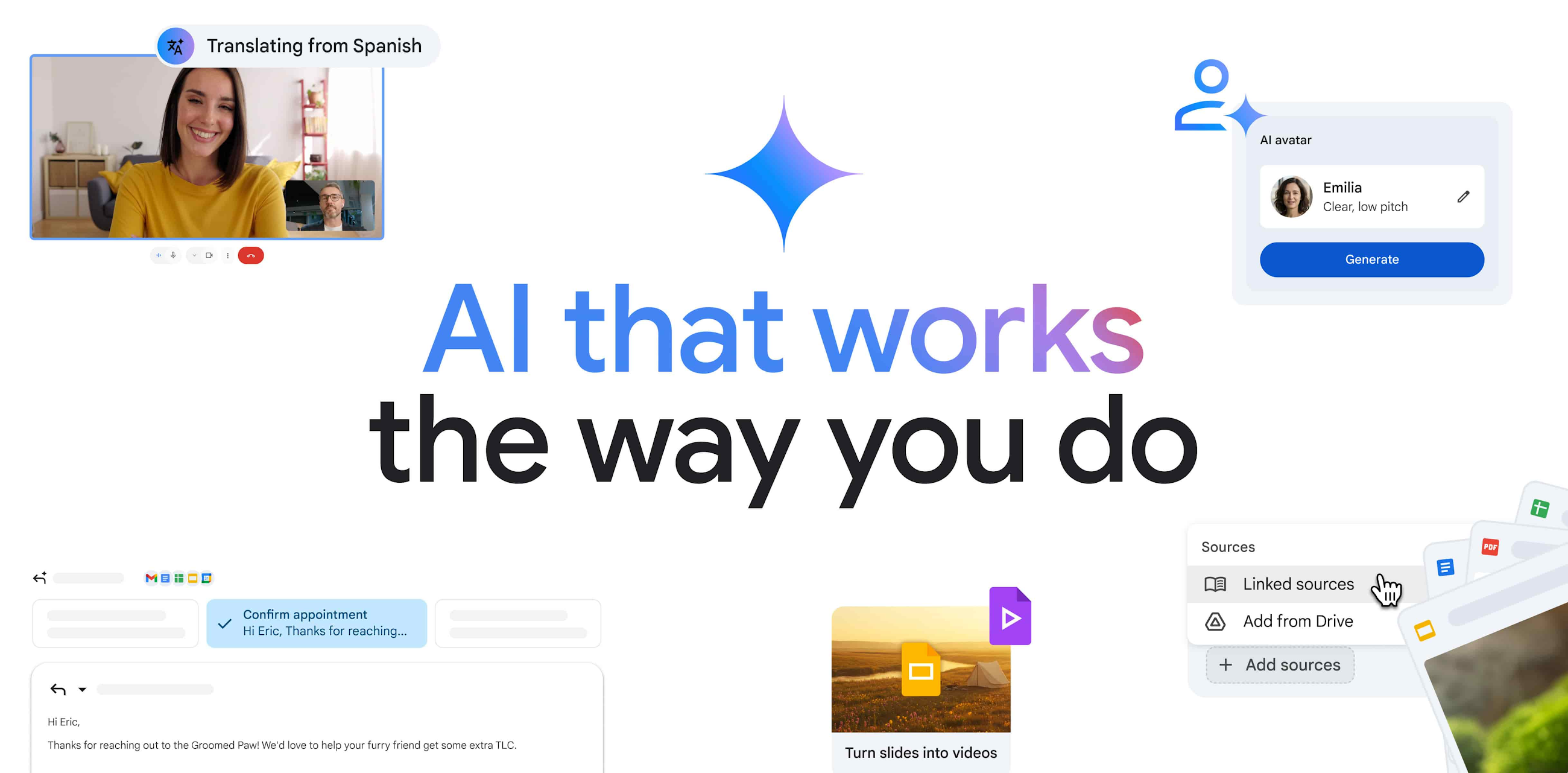
Everyday tools, built for teamwork
Familiar apps. Less switching. More getting things done.
Business email
Use Gmail with a professional email address at your business domain.
Files in one place
Store and share work in Google Drive, with control over who can access your files.
Work together
Collaborate on documents, spreadsheets and presentations with Docs, Sheets and Slides.
Meet from anywhere
Connect with colleagues and customers through Google Meet video calls and Google Chat.
Keep everyone organised
Manage appointments, invitations and shared schedules with Google Calendar.
Manage your team
Manage user accounts and security settings centrally. Available controls vary by plan.
Storage, meeting features, AI capabilities and security options vary by plan. Google’s current plan details are the source of truth.
Step by step
How to use our referral

Choose
Sign up
Set up
Check whether Workspace fits your business
Check your team size, storage needs and existing tools. Already using Workspace? Confirm referral eligibility before changing your subscription.
Ask about any available referral discount
Ask Fundy Tech about a code before signing up. Availability, eligible plans, countries and expiry dates vary; discounts are not guaranteed.
Ask Fundy Tech about a codeOpen our referral link
Use the “Get started with Google Workspace” button to follow our referral link and sign up with Google.
Choose your plan and review the terms
Confirm your country, currency, billing commitment, renewal price and trial terms. If you have a valid code, check the discount appears before paying.
Complete Google’s guided setup
Follow Google’s setup instructions to create your account and add your team. Plan any email or file migration before changing your existing service.
Secure your accounts and review your trial
Enable two-step verification and check sharing permissions. Review your subscription and cancellation options before your trial ends.
Before you sign up
Check Google’s current trial terms and eligibility at signup. Referral links do not guarantee a discount; promotion codes have separate conditions.
In Canada? Confirm your country and billing currency before paying. Prices and offers can change.
Need help choosing a plan or planning a move from another email service? Talk to Fundy Tech. Any setup or migration assistance is separate from your Google subscription.
Ready to explore Google Workspace?
Review Google’s plans and continue directly with Google when you’re ready.
Get started with Google Workspace (opens Google in a new tab)Referral link: Fundy Tech may receive a reward for qualifying signups.